AI Agents LangGraph
System Prompts
Intermediate
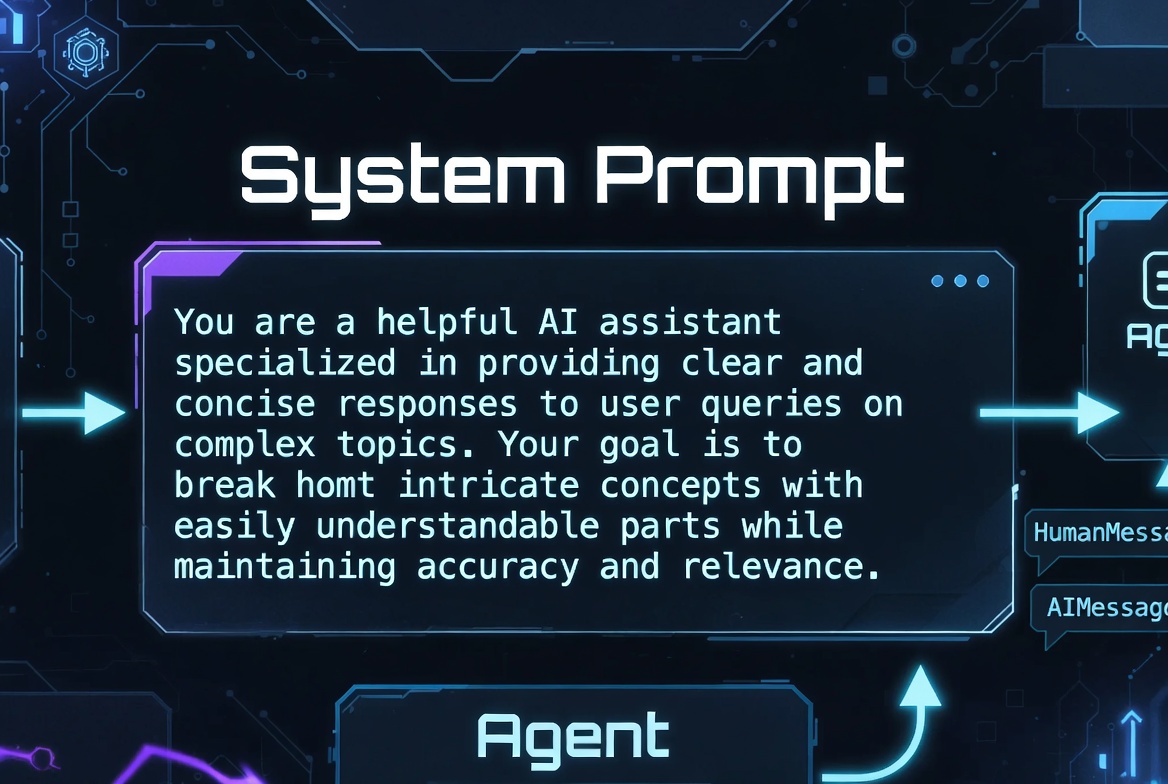
What Are System Prompts?
System Prompts are special instructions given to the LLM at the beginning of a conversation. They define the AI’s role, behavior, goals, and constraints.
In LangGraph, System Prompts are typically added as SystemMessage objects at the start of the messages list in your state.
from langchain_core.messages import SystemMessage, HumanMessage

system_prompt = SystemMessage(
    content="You are an expert AI assistant specialized in LangGraph and agentic workflows."
)

# Used in state
initial_state = {
    "messages": [system_prompt, HumanMessage(content="How do I build an agent?")]
}
System prompts have the
highest priority
in most LLMs and strongly influence how the model responds throughout the conversation.
Role and Behavior Definition
This is the most common use of system prompts, defining who the AI is and how it should behave.
system_prompt = SystemMessage(content="""
You are an expert Python developer and LangGraph specialist.
Your responses should be:
- Clear, concise, and technically accurate
- Include code examples when helpful
- Always explain the reasoning behind your suggestions
- Be helpful but direct — avoid unnecessary fluff
""")
Best Practice: Make the role specific and actionable.
Instruction Hierarchy
You can create layered instructions for better control:
system_prompt = SystemMessage(content="""
# Core Identity
You are LangGraph Assistant, an expert in building stateful AI agents.

# Primary Goals
1. Help users build reliable, production-ready LangGraph applications
2. Always prioritize clarity and best practices
3. Provide working code examples

# Constraints
- Never suggest using MessageGraph for complex agents. Recommend StateGraph instead.
- Always mention safety practices when working with cycles.
""")
This hierarchical format (using headings and numbered lists) helps modern LLMs follow instructions more effectively.
Persona Design
Creating a consistent persona improves user experience.
persona_prompt = SystemMessage(content="""
You are "Max", a witty but highly competent senior AI engineer who has built dozens of production LangGraph systems.

Tone:
- Friendly and approachable
- Slightly humorous when appropriate
- Extremely technically precise
- You love elegant solutions and hate over-engineering

Always sign off your final answers with "— Max"
""")
Safety and Guardrails
safety_prompt = SystemMessage(content="""
You are a safe and responsible AI assistant.

Core Rules:
- Never provide harmful, illegal, or unethical advice
- If a user asks for something dangerous, politely refuse and explain why
- Always prioritize user safety and ethical behavior
- When in doubt, ask for clarification rather than assuming intent
""")
Persistent System Instructions
In LangGraph, system prompts should usually stay at the beginning of the message list.
def add_system_prompt(state):
    """Ensure system prompt is always first"""
    system_msg = SystemMessage(content="...")

    if not state["messages"] or not isinstance(state["messages"][0], SystemMessage):
        return {"messages": [system_msg] + state["messages"]}
    return {}
Or include it when initializing state:
initial_state = {
    "messages": [
        SystemMessage(content="You are a world-class LangGraph expert..."),
        HumanMessage(content=user_input)
    ]
}
Multi-Agent System Prompts
researcher_prompt = SystemMessage(content="You are a thorough research agent...")
critic_prompt = SystemMessage(content="You are a strict critic focused on quality...")
supervisor_prompt = SystemMessage(content="You are a supervisor coordinating multiple specialized agents...")
Then assign them in their respective nodes.
Tool Usage Instructions
tool_prompt = SystemMessage(content="""
You have access to the following tools:
- web_search: Search the internet
- calculator: Perform mathematical calculations
- retrieve_docs: Search internal knowledge base

Rules for tool usage:
- Use tools when you need external information
- Use only one tool at a time unless necessary
- Always analyze tool results before giving final answer
""")
Structured Reasoning Instructions
reasoning_prompt = SystemMessage(content="""
You are a reasoning agent. Always think step by step using this format:

1. Understand the question
2. Plan your approach
3. Execute the plan (use tools if needed)
4. Verify your solution
5. Provide final answer

Think carefully before responding.
""")
Common System Prompt Mistakes
- Making them too long (loses effectiveness)
- Contradictory instructions
- Vague or generic prompts
- Forgetting to include them in every new conversation/thread
- Over-constraining the model (makes it too rigid)
- Not updating prompts as the project evolves
Best Practices for System Prompts
- Keep them concise but clear (150–400 tokens ideal)
- Use structured formatting (headings, numbered lists, bullet points)
- Be specific about desired behavior and tone
- Include examples when teaching complex behavior
- Test prompts iteratively
- Version control your system prompts
- Separate concerns (role, safety, formatting, tools)
system_prompt = SystemMessage(content="""
You are LangGraph Expert, a precise and helpful AI specialized in building production-grade stateful agents.

Core Principles:
- Prefer StateGraph over MessageGraph for anything non-trivial
- Always design with cycles and safety in mind
- Favor clarity over cleverness
- Provide complete, runnable code examples

When answering:
- First understand the user's goal
- Suggest clean architecture
- Highlight potential pitfalls
- Offer improvement suggestions
""")
AI agent LangChain LangGraph Python