AI Agents LangGraph
Structured Output Prompting
Intermediate
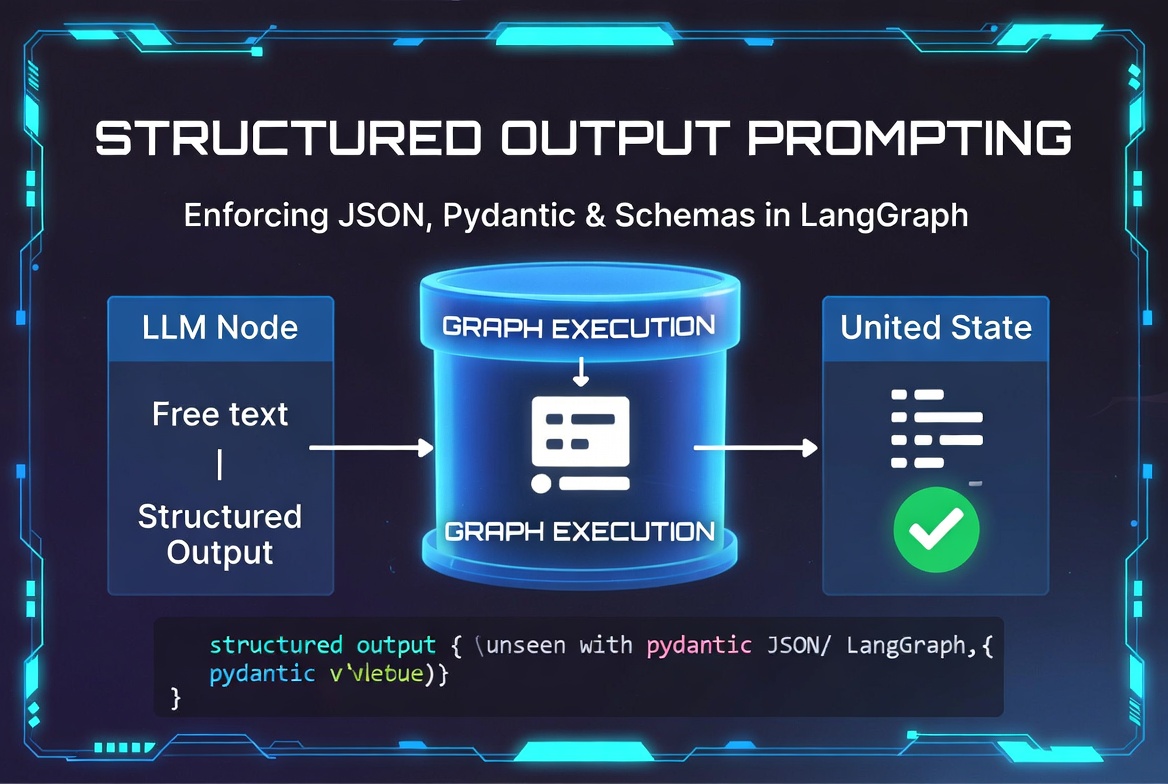
What Is Structured Output Prompting?
Structured Output Prompting is the practice of guiding an LLM to produce responses in a specific, machine-readable format (JSON, Pydantic objects, XML, etc.) instead of free-form text.
This is crucial in LangGraph because:
- Agents need reliable, parseable outputs
- Tools require structured arguments
- State updates become predictable
- Downstream nodes can reliably consume the output
JSON Output Prompting
The most common and straightforward approach.
from langchain_core.prompts import ChatPromptTemplate

json_prompt = ChatPromptTemplate.from_template(
    """You are a helpful assistant.
    Answer the question and return the result in valid JSON format.

    Question: {question}

    Return ONLY a JSON object with the following structure:
    {{
        "answer": "your response here",
        "confidence": 0.95,
        "sources": ["source1", "source2"]
    }}
    """
)

chain = json_prompt | llm | StrOutputParser()

result = chain.invoke({"question": "What is LangGraph?"})
print(result)   # {"answer": "...", "confidence": 0.92, ...}
Schema-Guided Prompting
Guide the LLM with an explicit schema.
schema_prompt = ChatPromptTemplate.from_template(
    """Answer the user query and return data in this exact JSON schema:

    {{
        "summary": "short summary",
        "key_points": ["point1", "point2"],
        "difficulty": "beginner" | "intermediate" | "advanced",
        "estimated_time": "number in minutes"
    }}

    Query: {query}
    """
)

response = llm.invoke(schema_prompt.format(query="Explain state in LangGraph"))
Pydantic-Based Outputs (Recommended)
The most robust and modern approach using LangChain's
with_structured_output
.
from pydantic import BaseModel, Field
from langchain_core.prompts import ChatPromptTemplate

class Response(BaseModel):
    answer: str = Field(..., description="The main answer")
    confidence: float = Field(..., ge=0, le=1)
    key_points: list[str] = Field(default_factory=list)
    sources: list[str] = Field(default_factory=list)

structured_llm = llm.with_structured_output(Response)

prompt = ChatPromptTemplate.from_template("Answer this question: {question}")

chain = prompt | structured_llm

result = chain.invoke({"question": "How does LangGraph work?"})
print(result)           # Response object
print(result.answer)    # Direct attribute access
XML and YAML Outputs
# XML Output
xml_prompt = ChatPromptTemplate.from_template(
    """Return your answer in valid XML format:
    <response>
        <answer>...</answer>
        <confidence>...</confidence>
    </response>

    Question: {question}
    """
)

# YAML Output
yaml_prompt = ChatPromptTemplate.from_template(
    """Return a valid YAML object:
    answer: ...
    confidence: ...
    tags:
      - tag1
      - tag2
    """
)
Validation-Friendly Prompting
validation_prompt = ChatPromptTemplate.from_template(
    """Answer the question and return a valid JSON object.

    Requirements:
    - Must include "answer" and "confidence" (0.0 to 1.0)
    - "confidence" must be a number
    - Do not include any text outside the JSON

    Question: {question}
    """
)
Tool-Compatible Outputs
Structured outputs work excellently with tool calling:
class SearchAction(BaseModel):
    action: Literal["search", "browse", "calculate"]
    query: str
    num_results: int = 5

structured_llm = llm.with_structured_output(SearchAction)

# This can be bound as a tool or used in agent nodes
Parsing and Validation
from langchain_core.output_parsers import JsonOutputParser, PydanticOutputParser

# Using Pydantic Parser
parser = PydanticOutputParser(pydantic_object=Response)

prompt = ChatPromptTemplate.from_messages([
    ("system", "Answer in the following format:\n{format_instructions}"),
    ("human", "{question}")
])

chain = prompt | llm | parser

result = chain.invoke({
    "question": "What is LangGraph?",
    "format_instructions": parser.get_format_instructions()
})
Output Constraints
Force specific formats and constraints:
constrained_prompt = ChatPromptTemplate.from_template(
    """You must respond using this exact format. Do not add any extra text.

    {{
        "status": "success" | "failed",
        "result": {{ ... }},
        "reasoning": "brief explanation"
    }}

    Query: {query}
    """
)
Error Recovery for Invalid Outputs
def safe_structured_output(state):
    try:
        result = structured_llm.invoke(state["messages"])
        return {"structured_output": result}
    except Exception as e:
        # Fallback: Ask LLM to fix the output
        fix_prompt = ChatPromptTemplate.from_template(
            "The previous output was invalid. Fix it to match the schema:\n{output}"
        )
        fixed = llm.invoke(fix_prompt.format(output=bad_output))
        return {"structured_output": fixed}
Common Structured Output Mistakes
- Not being strict enough in prompts
- Forgetting to include format instructions
- Using overly complex schemas
- Not handling parsing errors
- Mixing natural language with structured output
- Expecting perfect JSON every time from weaker models
Best Practices for Structured Outputs
- Use Pydantic + with_structured_output whenever possible
- Provide clear format instructions in the system prompt
- Keep schemas reasonably simple
- Always include error recovery / fallback logic
- Test with real model outputs
- Use few-shot examples for complex schemas
- Combine with output parsers for extra safety
- Log invalid outputs during development
class AnalysisResult(BaseModel):
    summary: str
    key_findings: list[str]
    confidence: float = Field(..., ge=0, le=1)
    recommendations: list[str] = Field(default_factory=list)

structured_llm = llm.with_structured_output(AnalysisResult)

prompt = ChatPromptTemplate.from_messages([
    ("system", "You are an expert analyst. Always return valid structured data."),
    ("human", "{input}")
])

chain = prompt | structured_llm
AI agent LangChain LangGraph Python