AI Agents LangGraph
Pydantic Outputs
Intermediate
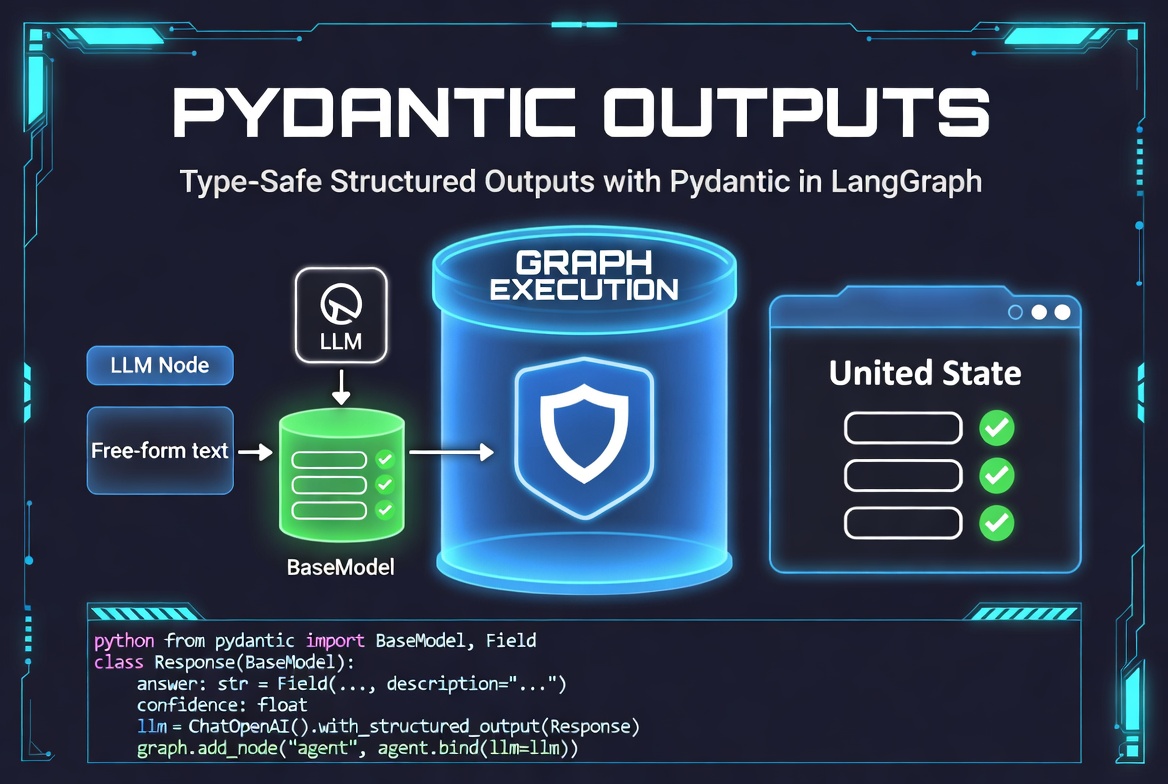
This post explains Pydantic Outputs in LangGraph , focusing on how to enforce structured, type-safe LLM responses using Pydantic models. It covers defining structured and nested models, validating outputs, parsing LLM responses, integrating with tools and state, and handling parsing errors. The post also highlights common mistakes and best practices for building reliable, strongly-typed LLM workflows.
What Are Pydantic Outputs?
Pydantic Outputs refer to using Pydantic models (BaseModel) to enforce structured, type-safe, and validated responses from LLMs in LangGraph.
Instead of receiving raw text or unstructured JSON, the LLM is guided to return data that matches a predefined Pydantic schema. LangChain/LangGraph then automatically parses and validates the output into a proper Python object.
This is currently one of the most recommended ways to handle structured outputs in production LangGraph applications.
Why Use Pydantic with LangGraph
- Type Safety: Get real Python objects with proper types
- Runtime Validation: Automatically validate LLM outputs
- Error Handling: Clear validation errors when output is malformed
- IDE Support: Full autocomplete and type hints
- Serialization: Easy model_dump() for storage/checkpointing
- Integration: Works seamlessly with State, Tools, and Chains
Defining Structured Models
from pydantic import BaseModel, Field
from typing import Literal, List

class SearchResult(BaseModel):
    query: str
    results: List[str] = Field(..., min_items=1)
    confidence: float = Field(..., ge=0.0, le=1.0)
    source: Literal["web", "vector", "knowledge_base"]

class AgentResponse(BaseModel):
    answer: str
    reasoning: str
    confidence: float = Field(..., ge=0.0, le=1.0)
    search_results: List[SearchResult] = Field(default_factory=list)
    next_action: Literal["tool_call", "final_answer", "ask_user"] = "final_answer"
Type-Safe LLM Outputs
from langchain_core.prompts import ChatPromptTemplate

class TravelPlan(BaseModel):
    destination: str
    duration_days: int
    budget: float
    itinerary: List[str]
    recommendations: List[str]

structured_llm = llm.with_structured_output(TravelPlan)

prompt = ChatPromptTemplate.from_template(
    "Create a detailed travel plan for: {destination} for {days} days."
)

chain = prompt | structured_llm

plan: TravelPlan = chain.invoke({"destination": "Tokyo", "days": 7})

print(plan.destination)        # Tokyo
print(plan.itinerary)          # List of strings
print(type(plan))              # <class '__main__.TravelPlan'>
Validation with Pydantic
Pydantic automatically validates outputs and raises clear errors:
class Analysis(BaseModel):
    score: float = Field(..., ge=0, le=10)
    summary: str
    tags: List[str] = Field(..., min_items=3)

structured_llm = llm.with_structured_output(Analysis)

try:
    result = structured_llm.invoke("Analyze this text...")
    print(result.score)
except Exception as e:
    print("Validation failed:", e)
You can also add custom validators:
from pydantic import field_validator

class AgentStateOutput(BaseModel):
    next_node: str
    confidence: float

    @field_validator('confidence')
    @classmethod
    def validate_confidence(cls, v):
        if v < 0.3:
            raise ValueError("Confidence too low. Agent should retry.")
        return v
Nested Pydantic Models
class ToolCall(BaseModel):
    tool_name: str
    arguments: dict
    confidence: float

class AgentThought(BaseModel):
    reasoning: str
    tool_calls: List[ToolCall]
    final_answer: str | None = None

structured_llm = llm.with_structured_output(AgentThought)
This is extremely useful for complex ReAct-style agents.
Parsing LLM Responses into Models
from langchain_core.output_parsers import PydanticOutputParser

parser = PydanticOutputParser(pydantic_object=TravelPlan)

prompt = ChatPromptTemplate.from_messages([
    ("system", "Return a valid JSON matching this schema:\n{format_instructions}"),
    ("human", "{question}")
])

chain = prompt | llm | parser

result: TravelPlan = chain.invoke({
    "question": "Plan a 5-day trip to Paris",
    "format_instructions": parser.get_format_instructions()
})
Pydantic + Tool Calling
class SearchToolInput(BaseModel):
    query: str
    num_results: int = Field(default=5, ge=1, le=20)

tools = [SearchToolInput]

llm_with_tools = llm.bind_tools(tools)

# The LLM will now return structured tool calls matching the schema
Pydantic + State Integration
from pydantic import BaseModel, Field
from langgraph.graph.message import MessagesState

class AgentState(MessagesState):
    # Inherit messages handling
    messages: Annotated[list, add_messages]

    # Structured outputs
    current_plan: TravelPlan | None = Field(default=None)
    analysis_result: Analysis | None = Field(default=None)
    final_decision: dict = Field(default_factory=dict)
Error Handling in Pydantic Parsing
from pydantic import ValidationError

def safe_structured_call(state):
    try:
        result = structured_llm.invoke(state["messages"])
        return {"structured_output": result}
    except ValidationError as e:
        return {
            "messages": [AIMessage(content="I had trouble formatting the output. Let me try again.")],
            "error": str(e)
        }
    except Exception as e:
        return {"messages": [AIMessage(content="An unexpected error occurred.")]}
Common Pydantic Output Mistakes
- Using overly complex nested models
- Not providing good format instructions
- Forgetting to handle validation errors
- Mixing Pydantic with raw JSON parsing inconsistently
- Using weak models (not setting proper constraints)
Best Practices for Pydantic Outputs
- Keep models reasonably simple — deep nesting increases failure rate
- Use with_structured_output() whenever possible (best integration)
- Add clear descriptions in Field(..., description="...")
- Set reasonable constraints (ge, le, min_items, etc.)
- Always implement fallback logic for validation failures
- Test with real LLM outputs during development
- Combine with few-shot examples for complex schemas
class FinalAnswer(BaseModel):
    answer: str = Field(..., description="The final answer to the user")
    confidence: float = Field(..., ge=0.0, le=1.0, description="How confident you are")
    sources: List[str] = Field(default_factory=list)

structured_final_llm = llm.with_structured_output(FinalAnswer)

final_prompt = ChatPromptTemplate.from_template(
    "Based on all previous context, provide the final answer.\n\n{context}"
)

final_chain = final_prompt | structured_final_llm
AI agent LangChain LangGraph Python