AI Agents LangGraph
Messages & Chat History
Intermediate
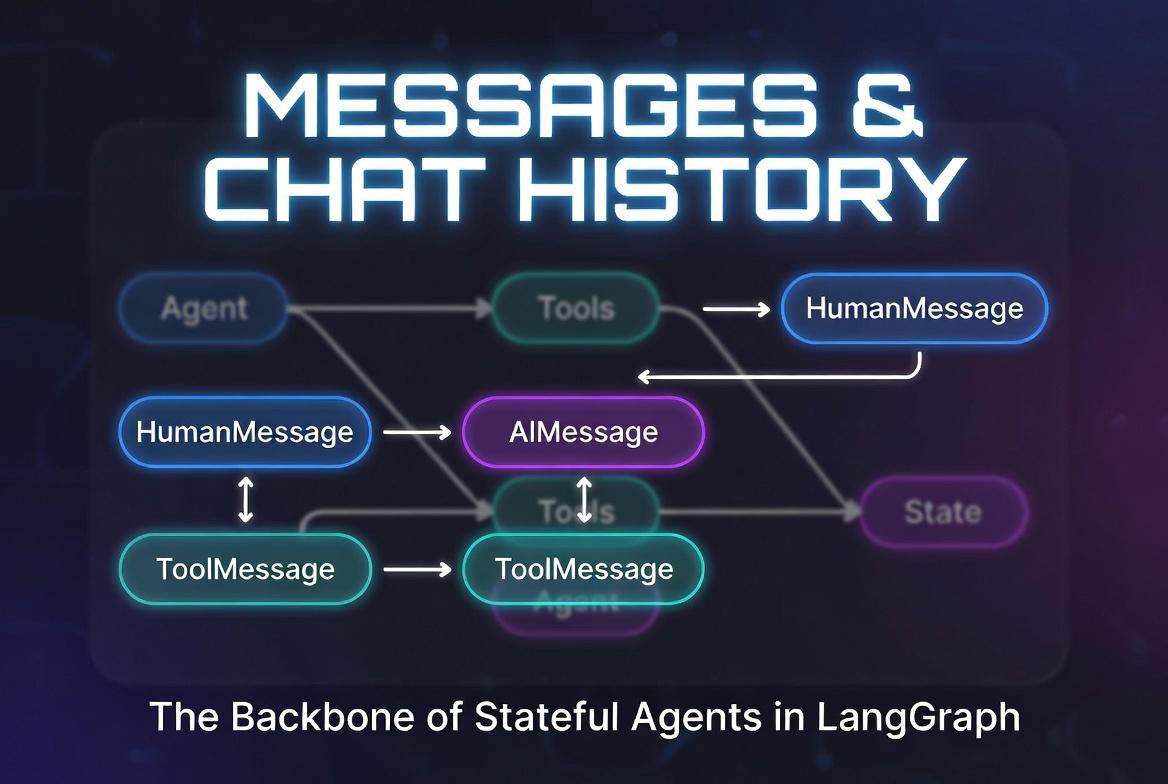
Messages in LangGraph
In LangGraph, Messages are the primary way to represent conversation history. They are the foundation of how agents “remember” previous interactions.
LangGraph uses LangChain’s message schema, which provides a standardized, rich way to handle human inputs, AI responses, tool calls, and system instructions.
All messages inherit from BaseMessage and contain:
- content: The main text
- additional_kwargs: Extra metadata
- Type-specific attributes (e.g., tool_calls)
HumanMessage
Represents input from the user.
from langchain_core.messages import HumanMessage

human_msg = HumanMessage(
    content="What is LangGraph?",
    # Optional: additional metadata
    additional_kwargs={"user_id": "123"}
)
Common Use:
- Initial user query
- Follow-up questions
- Human feedback in human-in-the-loop flows
AIMessage
Represents the AI’s response (output from an LLM).
from langchain_core.messages import AIMessage

ai_msg = AIMessage(
    content="LangGraph is a library for building stateful, multi-actor applications with LLMs.",
    tool_calls=[{
        "name": "search",
        "args": {"query": "LangGraph"},
        "id": "call_001"
    }]
)
Key Features:
- Can contain tool_calls (when the LLM wants to use tools)
- Supports additional_kwargs for model-specific data
SystemMessage
Used to give
instructions
or set the behavior of the LLM.
from langchain_core.messages import SystemMessage

system_msg = SystemMessage(
    content="You are a helpful AI assistant specialized in LangGraph. "
            "Always be concise and technical."
)
Best Practices:
- Usually placed at the beginning of the message list
- Can be updated dynamically during execution
ToolMessage
Represents the
result of a tool execution
.
from langchain_core.messages import ToolMessage

tool_msg = ToolMessage(
    content="Found 3 relevant documents about LangGraph.",
    tool_call_id="call_001",           # Must match the tool_call id from AIMessage
    name="search"                      # Optional: tool name
)
Important:
The tool_call_id links the ToolMessage back to the specific tool call made by the LLM.
Messages in State
Messages are almost always stored in the
messages
field using the
add_messages
reducer.
from typing import TypedDict, Annotated
from langgraph.graph.message import add_messages

class AgentState(TypedDict):
    messages: Annotated[list, add_messages]   # ← Core field
    documents: list[dict] = []
    iterations: int = 0
How it works in a node:
def agent_node(state: AgentState):
    # Full conversation history is passed to the LLM
    response = llm_with_tools.invoke(state["messages"])

    # Return only the new message(s)
    return {"messages": [response]}
Chat History Management
Effective chat history management is crucial for good performance and cost control.
Basic Pattern
def agent_node(state: AgentState):
    # Option 1: Use full history (simple cases)
    response = llm.invoke(state["messages"])

    return {"messages": [response]}
Advanced History Management
from langchain_core.messages import trim_messages

def agent_node(state: AgentState):
    # Trim old messages to save tokens
    trimmed_messages = trim_messages(
        state["messages"],
        max_tokens=8000,
        strategy="last",
        token_counter=llm,           # or a custom function
        include_system=True
    )

    response = llm.invoke(trimmed_messages)
    return {"messages": [response]}
Summarization Pattern
def summarize_history(state: AgentState):
    if len(state["messages"]) > 20:
        summary = summarizer_llm.invoke([
            SystemMessage("Summarize the conversation so far:"),
            *state["messages"]
        ])
        return {
            "messages": [summary],
            "conversation_summary": summary.content
        }
    return {}
Messages are not just text — they are the
memory
of your agent.
How you manage them directly impacts cost, latency, and intelligence.
How you manage them directly impacts cost, latency, and intelligence.
Message Reducers
The most important reducer in LangGraph is
add_messages
. It intelligently manages conversation history by appending new messages while preserving order and metadata.
from typing import TypedDict, Annotated
from langgraph.graph.message import add_messages

class AgentState(TypedDict):
    messages: Annotated[list, add_messages]   # ← Core reducer
How
add_messages
Works
def agent_node(state: AgentState):
    response = llm.invoke(state["messages"])
    return {"messages": [response]}           # add_messages appends automatically

def tools_node(state: AgentState):
    result = execute_tools(...)
    return {"messages": [ToolMessage(
        content=result,
        tool_call_id=state["messages"][-1].tool_calls[0]["id"]
    )]}
Key Benefits of
add_messages
:
- Automatically appends new messages
- Handles different message types correctly
- Preserves tool_call_id for proper tool response linking
- Prevents accidental duplicates in some cases
Message Trimming
Long conversations can exceed token limits. Message Trimming helps control context size.
from langchain_core.messages import trim_messages

def trimmed_agent_node(state: AgentState):
    # Keep only the most recent messages
    trimmed = trim_messages(
        state["messages"],
        max_tokens=6000,           # Adjust based on your model
        strategy="last",           # Keep recent messages
        token_counter=llm,         # Uses model's tokenizer
        include_system=True,       # Always keep SystemMessage
        allow_partial=True
    )

    response = llm.invoke(trimmed)
    return {"messages": [response]}
Alternative: Keep System + Recent Messages
def smart_trim(state: AgentState):
    system_msg = [msg for msg in state["messages"] if isinstance(msg, SystemMessage)]
    recent = state["messages"][-8:]   # Keep last 8 messages

    trimmed_history = system_msg + recent
    return {"messages": [llm.invoke(trimmed_history)]}
Conversation State Patterns
1. Basic Conversation State
class ConversationState(TypedDict):
    messages: Annotated[list, add_messages]
2. Enhanced Conversation State (Recommended)
from pydantic import BaseModel, Field

class AgentState(BaseModel):
    messages: Annotated[list, add_messages] = Field(default_factory=list)
    conversation_summary: str | None = Field(default=None)
    last_summary_index: int = Field(default=0)
3. Multi-Stage Conversation Pattern
class AgentState(MessagesState):
    messages: Annotated[list, add_messages]
    stage: str = "initial"           # planning → researching → answering
    user_goals: list[str] = Field(default_factory=list)
Streaming Messages
Streaming is one of the best UX features when working with messages.
app = graph.compile()

# Stream messages as they are generated
for chunk in app.stream(
    {"messages": [HumanMessage(content="Tell me about LangGraph")]},
    stream_mode="messages"
):
    if chunk[1]:  # chunk = (message, metadata)
        print(chunk[1].content, end="", flush=True)
Streaming Only New Messages:
for event in app.stream(inputs, stream_mode="updates"):
    for node_name, update in event.items():
        if "messages" in update:
            for msg in update["messages"]:
                if isinstance(msg, AIMessage):
                    print(msg.content, end="")
Multi-Turn Conversations
LangGraph excels at maintaining context across multiple user turns using persistence.
from langgraph.checkpoint.memory import MemorySaver

checkpointer = MemorySaver()
app = graph.compile(checkpointer=checkpointer)

config = {"configurable": {"thread_id": "conversation_42"}}

# Turn 1
result1 = app.invoke({
    "messages": [HumanMessage(content="Hi, I'm learning LangGraph")]
}, config)

# Turn 2 (memory is automatically restored)
result2 = app.invoke({
    "messages": [HumanMessage(content="Can you show me a ReAct example?")]
}, config)
The checkpointer restores the full message history for that
thread_id
.
Best Practices for Message Management
- Always use add_messages reducer
- Keep SystemMessage at the start
- Trim or summarize history regularly in long conversations
- Use trim_messages() with model-aware token counting
- Separate user messages from tool results when needed Store important context in separate state fields instead of stuffing everything into messages
- Use streaming for better user experience
Example of Clean Message Management:
class AgentState(MessagesState):
    messages: Annotated[list, add_messages]
    conversation_summary: str | None = None

def agent_node(state: AgentState):
    # Summarize if too long
    if len(state["messages"]) > 15:
        summary = create_summary(state["messages"])
        return {
            "messages": [summary],
            "conversation_summary": summary.content
        }

    response = llm.invoke(state["messages"])
    return {"messages": [response]}
Messages are the memory of your agent. Manage them wisely — they directly impact cost, latency, and intelligence.
AI agent LangChain LangGraph Python