AI Agents LangGraph
LangGraph START/END points
Intermediate
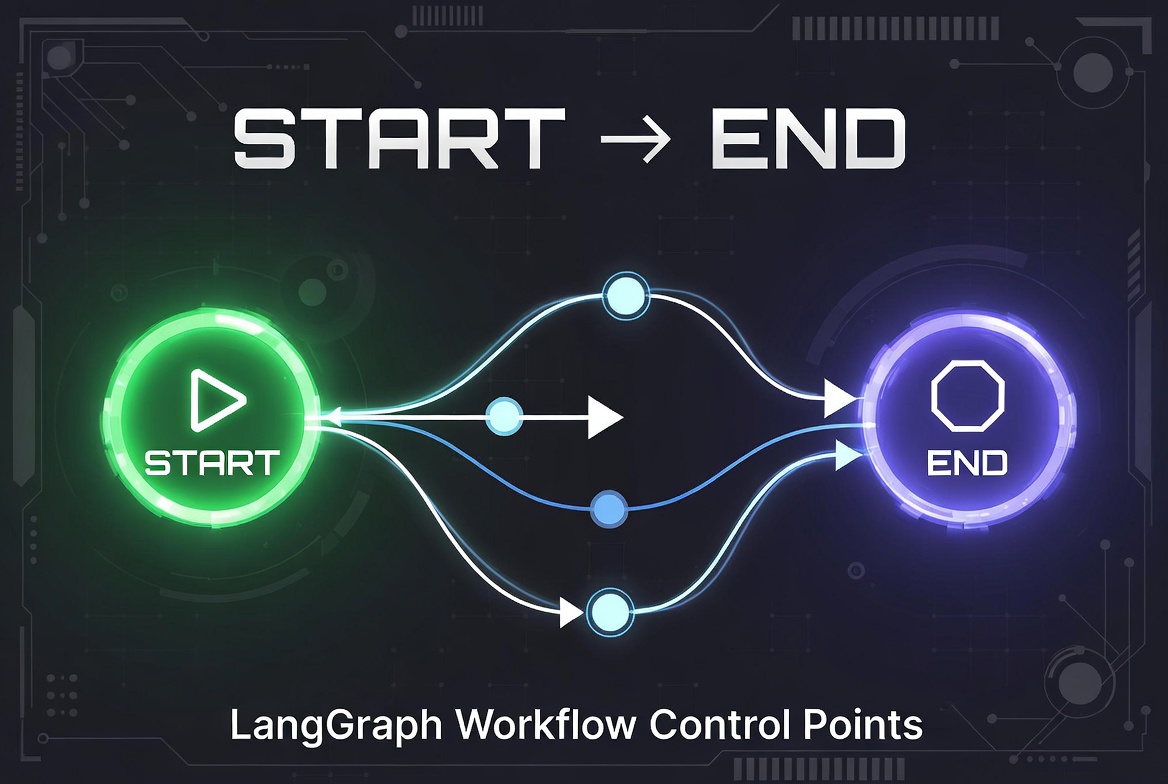
In LangGraph, every graph workflow requires a clearly defined starting point and ending point. LangGraph provides two special built-in markers for this purpose:
START
and
END
.
These concepts are fundamental for building structured, readable, and maintainable AI agent workflows using graph-based execution models.
LangGraph START/END points
when building graphs in LangGraph, we need to designate the entry and exit points in our graph. LangGraph provides special markers and methods for this purpose: START , END , and set_entry_point().
The Special Nodes: START and END
START and END are not functions you define — they're special markers that LangGraph uses internally to manage graph execution.
from langgraph.graph import START, END, StateGraph

builder = StateGraph(State)

# Add your nodes
builder.add_node("process", process_function)
builder.add_node("validate", validate_function)

# Connect START to your first node (entry point)
builder.add_edge(START, "process")

# Connect your last node to END (exit point)
builder.add_edge("validate", END)
As the above snippet code shows, we never call
add_node(START, ...)
or
add_node(END, ...)
,
they're pre-defined nodes.
START
marks where execution begins, and
END
marks where execution stops. Multiple nodes can lead to END (multiple exit points), but, only one start point can be set.
Setting Entry Points: Two Methods
Method 1:
add_edge(START, "node_name")
This is the modern, recommended approach:
builder.add_edge(START, "first_step")
Method 2:
set_entry_point("node_name")
This is the older method (still works, but less explicit):
builder.set_entry_point("first_step")Both do the same thing, they tell LangGraph which node to execute first.
Recommendation:
Use
add_edge(START, ...)
because:
- More explicit and readable
- Consistent with the rest of your graph definition
- Makes the flow visually clearer in your code
Multiple Entry Points?
You can only have ONE entry point. The graph needs to know exactly where to start.
However, you can have multiple exit points:
builder.add_edge("success_node", END)
builder.add_edge("error_node", END)
builder.add_edge("timeout_node", END)
All paths eventually lead to END, but they can arrive from different nodes.
Conditional Routing to END
You can also conditionally route to END:
def route_function(state):
    if state["is_complete"]:
        return END
    return "continue_processing"

builder.add_conditional_edges(
    "check_status",
    route_function,
    {
        END: END,
        "continue_processing": "next_step"
    }
)
Summary
- START : Special marker for the entry point (where execution begins)
- END : Special marker for exit points (where execution stops)
- Never define START/END as functions — they're built into LangGraph
-
Use
add_edge(START, "node")instead ofset_entry_point()for clarity - One entry point, multiple exit points are allowed
AI agent LangChain LangGraph Python