AI Agents LangGraph
Conditional Edges in LangGraph
Intermediate
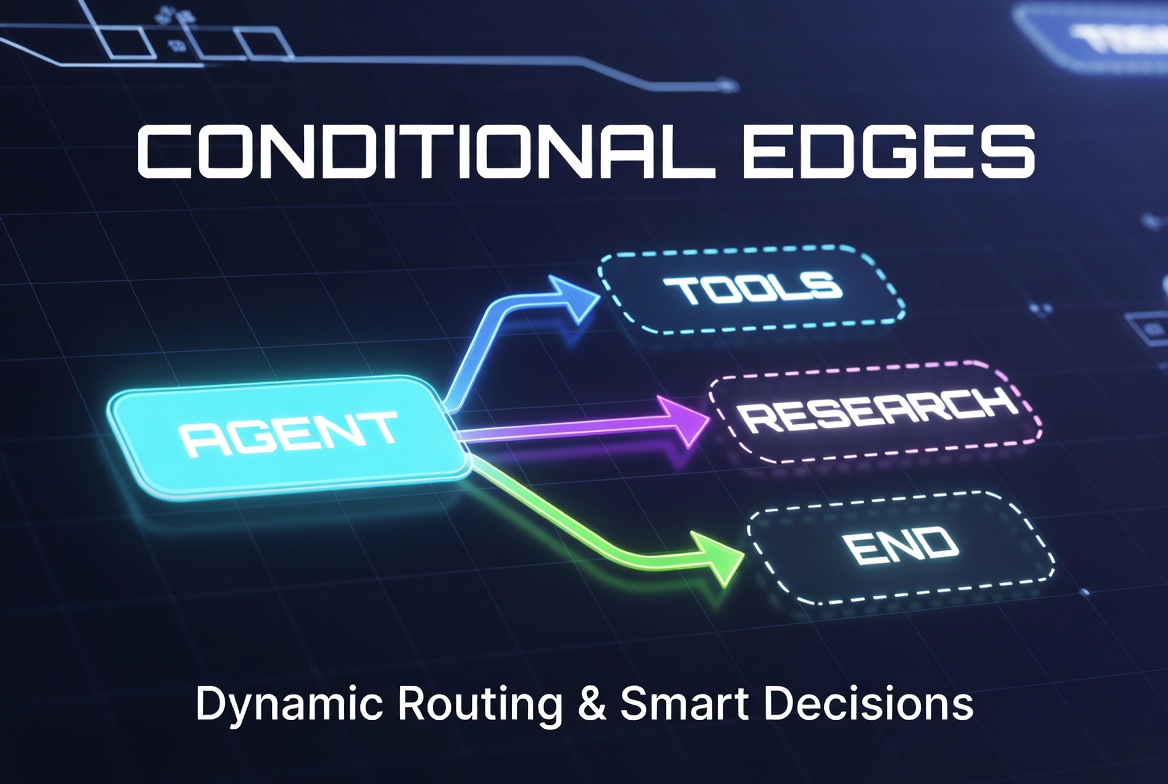
In this topic, we explore conditional edges in LangGraph and understand how they enable dynamic and intelligent workflow execution. We discuss the difference between normal edges and conditional edges, why conditional routing is important in AI agents, and how runtime decision-making works using state and routing functions.
We also cover common real-world use cases such as tool calling, retry mechanisms, reflection loops, and multi-agent routing systems. Additionally, we examine how conditional edges interact with cycles and parallel execution paths.
Finally, we review important concepts, common mistakes, and best practices for designing reliable, maintainable, and efficient conditional workflows in LangGraph.
What Are Conditional Edges?
- Dynamic workflows
- Reasoning-based execution
- Tool selection by LLMs
- Retries and error handling
- Loops (ReAct-style agents)
- Multi-path and adaptive agent behavior
Why Conditional Edges Matter
- Workflows are completely static
- Execution order is fixed and never changes
- Agents cannot react to new information
- Limited to basic sequential processing
- Agents can make decisions at runtime
- Workflows can branch into multiple paths
- Execution becomes adaptive and context-aware
- True AI agent behavior becomes possible (reason → act → observe → decide)
Normal Edge vs Conditional Edge
| Aspect |
Normal Edge (
add_edge()
)
|
Conditional Edge (
add_conditional_edges()
)
|
|---|---|---|
| Flow Type | Fixed / Static | Dynamic / Runtime Decision |
| Next Node | Always the same | Decided at execution time |
| Decision Making | No decision logic |
Uses a router function or
Command
|
| Flexibility | Low | Very High |
| Best For | Linear pipelines, predictable steps | Agents, branching, loops, adaptive workflows |
| Example Use Case |
Preprocess → LLM → Postprocess
|
Agent → (Tool Call ? Tools : END)
|
Common Use Cases of Conditional Edges
1. Tool Calling (ReAct Pattern)
def route_after_agent(state: MessagesState):
    last_message = state["messages"][-1]

    if last_message.tool_calls:
        return "tools"      # LLM wants to use a tool
    else:
        return "END"        # LLM is ready to give final answer


graph.add_conditional_edges("agent", route_after_agent)
graph.add_edge("tools", "agent")   # Loop back after tool execution
2. Retry Logic
def retry_router(state: MessagesState):
    attempts = state.get("attempts", 0)
    last_message = state["messages"][-1]

    if attempts >= 3:
        return "fallback_node"
    elif (
        "error" in last_message.content or
        confidence_low(last_message) or
        not result_achieved(last_message)  # ✅ Check if goal was actually met
    ):
        state["attempts"] = attempts + 1
        return "agent"  # Retry
    else:
        return "END"

graph.add_conditional_edges("validator", retry_router)
3. Reflection Loops (Self-Critique)
def reflection_router(state: MessagesState):
    critique = critique_node(state)   # Separate reflection node

    if critique["quality"] >= 8:
        return "final_answer"
    else:
        return "improve_response"     # Loop back for revision
Flow:
Generate → Critique → (Improve? → Generate : Final Answer)
4. Multi-Agent Systems / Supervisor Routing
A supervisor agent routes tasks to specialized agents.
def supervisor_router(state: MessagesState):
    last_message = state["messages"][-1]

    if "research" in last_message.content.lower():
        return "research_agent"
    elif "code" in last_message.content.lower():
        return "coder_agent"
    elif "analyze" in last_message.content.lower():
        return "analyst_agent"
    else:
        return "general_agent"


graph.add_conditional_edges("supervisor", supervisor_router)
This pattern is widely used in hierarchical agent teams and crew-style architectures.
Conditional Edges and Cycles
def route_after_agent(state: MessagesState):
    last_message = state["messages"][-1]

    if last_message.tool_calls:
        return "tools"          # Go to tools
    else:
        return "END"            # Exit the loop


graph.add_edge(START, "agent")

# Conditional edge from agent
graph.add_conditional_edges(
    "agent",
    route_after_agent,
    {
        "tools": "tools",
        "END": END
    }
)

# After tools finish → loop back to agent
graph.add_edge("tools", "agent")
Flow:
START → Agent → (Tool Call? → Tools → Agent) → END
This creates a cycle that continues until the agent decides to stop.
Pro Tip: Always add a maximum iteration limit to prevent infinite loops:
if state.get("iterations", 0) > 15:
    return "END"
Parallel Conditional Routing
from langgraph.types import Send
from langgraph.graph import StateGraph, MessagesState
from langgraph.types import Send
from langchain_core.messages import AIMessage
from typing import Any

#Extended State
from typing import TypedDict, Annotated
from langgraph.graph.message import add_messages

class SearchState(TypedDict):
    messages: Annotated[list, add_messages]
    active_branches: list[str]
    results: dict[str, Any]


# Search Nodes
def web_search(state: SearchState) -> SearchState:
    query = state["messages"][-1].content
    # Replace with real web search logic
    result = f"[web_search] result for: {query}"
    return {
        **state,
        "results": {**state.get("results", {}), "web_search": result}
    }

def vector_search(state: SearchState) -> SearchState:
    query = state["messages"][-1].content
    # Replace with real vector DB lookup
    result = f"[vector_search] result for: {query}"
    return {
        **state,
        "results": {**state.get("results", {}), "vector_search": result}
    }

def code_search(state: SearchState) -> SearchState:
    query = state["messages"][-1].content
    # Replace with real code search logic
    result = f"[code_search] result for: {query}"
    return {
        **state,
        "results": {**state.get("results", {}), "code_search": result}
    }


# Router; dynamic parallel fan-out
def route_parallel(state: SearchState):
    """Dynamically decide which searches to run in parallel"""
    query = state["messages"][-1].content.lower()

    branches = []
    active = []

    if "latest" in query or "news" in query:
        branches.append(Send("web_search", state))
        active.append("web_search")

    if "knowledge" in query or "docs" in query:
        branches.append(Send("vector_search", state))
        active.append("vector_search")

    if "code" in query:
        branches.append(Send("code_search", state))
        active.append("code_search")

    # Fallback: run all if no keyword matched
    if not branches:
        branches = [
            Send("web_search", state),
            Send("vector_search", state),
            Send("code_search", state),
        ]
        active = ["web_search", "vector_search", "code_search"]

    # Store active branches so aggregate knows what to wait for
    state["active_branches"] = active
    return branches

# Aggregate; only collects active branches

def aggregate(state: SearchState) -> SearchState:
    active = state.get("active_branches", [])
    results = state.get("results", {})

    # Only collect from nodes that were actually dispatched
    collected = {
        node: results[node]
        for node in active
        if node in results
    }

    # Merge all results into a single response message
    merged = "\n".join(
        f"[{node}]: {result}"
        for node, result in collected.items()
    )

    return {
        **state,
        "messages": state["messages"] + [AIMessage(content=merged)]
    }
# Retry Logic
def confidence_low(message) -> bool:
    # Replace with your real confidence check
    return "unsure" in message.content.lower()

def result_achieved(message) -> bool:
    # Replace with your real goal-check logic
    return len(message.content.strip()) > 0

def retry_router(state: SearchState):
    attempts = state.get("attempts", 0)
    last_message = state["messages"][-1]

    if attempts >= 3:
        return "fallback_node"
    elif (
        "error" in last_message.content or
        confidence_low(last_message) or
        not result_achieved(last_message)
    ):
        state["attempts"] = attempts + 1
        return "router"   # Retry from router
    else:
        return "END"
# Fallback Node
def fallback_node(state: SearchState) -> SearchState:
    return {
        **state,
        "messages": state["messages"] + [
            AIMessage(content="Max retries reached. Please refine your query.")
        ]
    }
# Build the Graph
builder = StateGraph(SearchState)

# Add nodes
builder.add_node("router",        route_parallel)   # fan-out router
builder.add_node("web_search",    web_search)
builder.add_node("vector_search", vector_search)
builder.add_node("code_search",   code_search)
builder.add_node("aggregate",     aggregate)
builder.add_node("validator",     aggregate)        # reuse aggregate as validator
builder.add_node("fallback_node", fallback_node)

# Entry point
builder.add_edge(START, "router")

# Parallel fan-out from router (dynamic — only fires matched branches)
builder.add_conditional_edges("router", route_parallel)

# All active branches merge back into aggregate
builder.add_edge("web_search",    "aggregate")
builder.add_edge("vector_search", "aggregate")
builder.add_edge("code_search",   "aggregate")

# Aggregate feeds into validator
builder.add_edge("aggregate", "validator")

# Validator uses retry logic
builder.add_conditional_edges("validator", retry_router)

# Fallback is a dead end
builder.add_edge("fallback_node", "__end__")

graph = builder.compile()
Flow:
User Query
    │
  router  ──── keyword match ────► web_search ──┐
    │                          ──► vector_search─┤
    │                          ──► code_search ──┤
    │                                            ▼
    │                                        aggregate
    │                                            │
    │                                        validator
    │                                       /        \
    │                              retry (≤3)       END
    └──────────────────────────────────────/
                                  fallback (>3)
When you use fan-out , you're essentially saying:
"Run these nodes in parallel and return when they're done."
The catch is that
aggregate
acts like a waiting room. If you've registered three downstream nodes with
add_edge
, the aggregator assumes all three will eventually arrive and waits for every one of them.
This becomes a problem with dynamic routing :
- You have 3 possible nodes.
- Your router decides to execute only 2 of them.
- The third node is never triggered.
From the aggregator's perspective, that third node is still expected. Since it never arrives, the graph appears to hang indefinitely, no error, no warning, just a workflow that never completes.
Rule of thumb:
Whatever you fan out dynamically, you must also collect dynamically.
In practice:
- Track which nodes were actually dispatched by the router.
- Store that list in state.
- Configure the aggregator to wait only for those executed nodes.
Don't wait for every node that has an edge registered, wait only for the nodes that were actually fired.
Otherwise, your aggregator can end up waiting forever for work that was never scheduled in the first place.
Important Concepts of Conditional Edges
1. Routing Happens at Runtime
2. State Drives Decisions
- Messages history and LLM outputs
- Reducers (especially add_messages)
- Memory and conversation context
- Custom state fields (confidence scores, iteration count, errors, etc.)
- Retrieved documents or tool results
3. LLMs Can Control Routing
- Which tool to call next
- Whether to retry a step
- Whether the task is complete
- Which specialized agent/subgraph to hand off to
- Whether to ask for human help
# LLM decides the route via tool calls
if last_message.tool_calls:
    return "tools"
else:
    return "END"
This is the foundation of agentic workflows. T he LLM becomes the “brain” that controls the flow of execution.
Common Mistakes with Conditional Edges
1. Infinite Loops
def bad_router(state):
return "agent" # Always goes back → Infinite loop!def safe_router(state):
if state.get("iterations", 0) > 10:
return "END"
elif needs_tool(state):
return "tools"
else:
return "END"2. Returning Invalid Node Names
return "tool_node" # Node is actually named "tools"Problem: LangGraph will raise an error or fail silently.
3. Overcomplicated Routing Logic
Best Practices for Conditional Edges
- Keep routing logic simple and fast; Routers should be lightweight.
- Use clear, descriptive node names; Makes routing easier to read ("research_agent" instead of "node_3").
- Always add stopping conditions; Prevent infinite loops with iteration limits or success criteria.
- Prefer explicit path mappings; Be clear about what each return value means.
- Separate routing from processing logic; Don’t mix heavy computation with routing.
-
Log routing decisions during development; Helps a lot with debugging:
print(f"Routing from {current_node} → {next_node}")
Treat your router functions like a traffic controller, their only job is to direct traffic, not to do the actual work.
AI agent LangChain LangGraph Python